How Smart Homes Work
*We may earn a commission for purchases made using our links. Please see our disclosure to learn more.
How Smart Homes Work: A Technical Guide to Connected Living Systems
Smart homes might sound complicated, but they’re easier to understand than you think. I’ll walk you through how these systems actually work and what makes them different from regular homes.
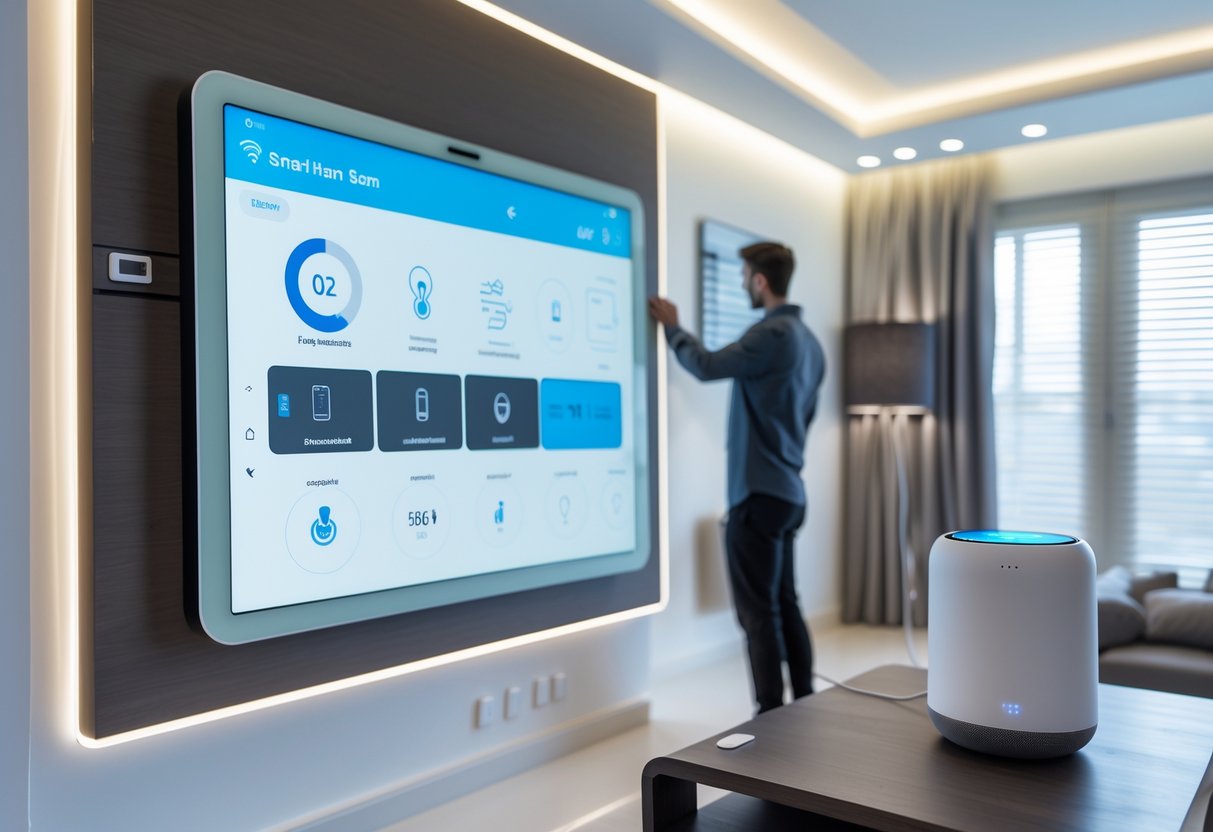
A smart home uses internet-connected devices like lights, thermostats, locks, and cameras that you can control from your phone or with your voice, and these devices can also work together automatically based on schedules or triggers you set up. Instead of walking around your house flipping switches and adjusting dials, you manage everything from one central app or voice assistant.
I’ve put together this guide to explain the technology behind smart homes, the devices you can use, and how to set up your own system. You’ll learn about the benefits these homes offer, the challenges you might face, and what the future holds for home automation.
What Is a Smart Home?
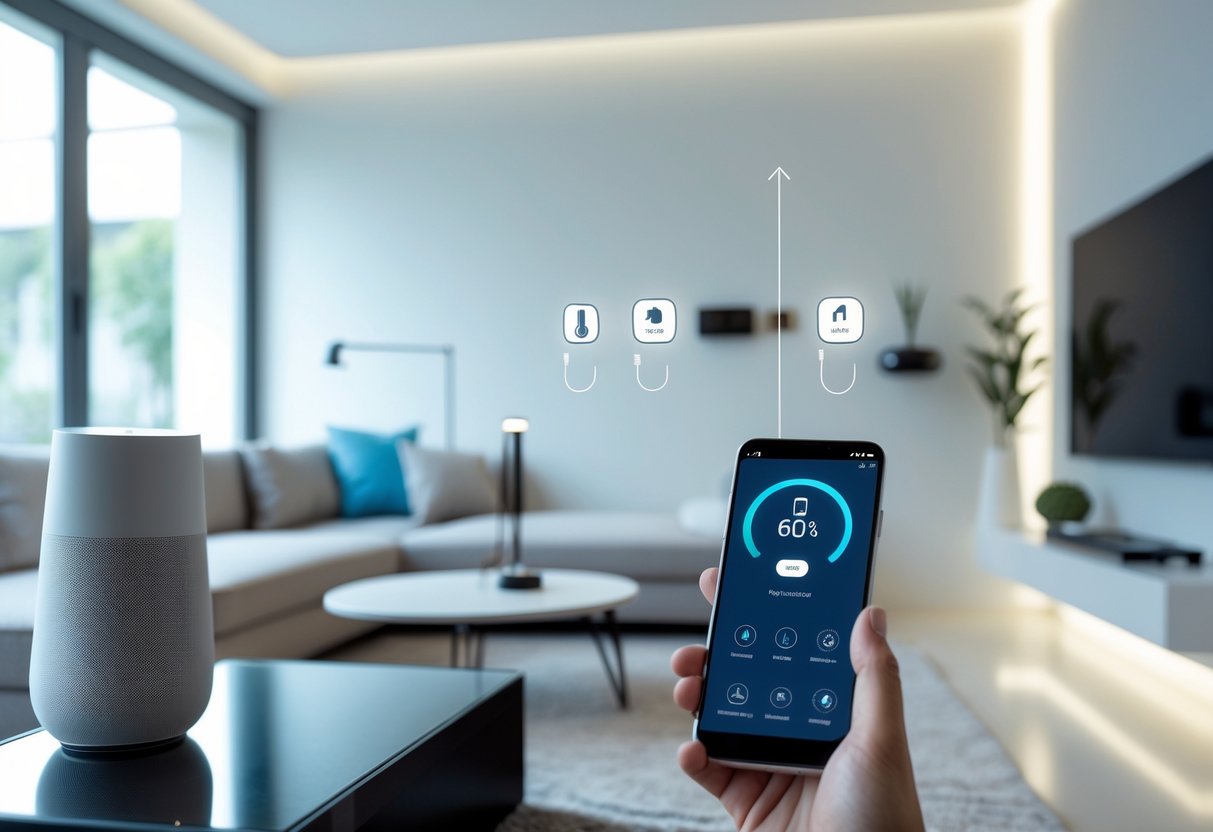
A smart home uses internet-connected devices to control lighting, heating, security systems, and appliances from anywhere. These systems communicate with each other and respond to your commands through apps or voice assistants.
Definition of Smart Homes
A smart home is a residence where devices and appliances connect to the internet, allowing you to monitor and control them remotely. I can adjust my thermostat, lock my doors, turn off lights, and check security cameras using my smartphone or voice commands.
The key difference between a regular home and a smart home is connectivity. Traditional homes require manual control of each device. Smart homes let devices communicate with each other and with me through a central network.
These systems work through three basic elements: smart devices, a communication network (usually Wi-Fi), and a control interface. The control interface might be a smartphone app, a voice assistant like Alexa or Google Assistant, or a dedicated smart home hub.
Smart home technology is also called home automation or domotics. The term comes from combining “domestic” with “robotics.”
History and Evolution
Smart home technology started in the early 2000s, but the concept dates back further. Early systems were expensive and complicated, requiring professional installation and custom programming.
The first smart home devices focused on basic automation like programmable thermostats and remote-controlled lighting. These systems worked independently and didn’t communicate with each other.
The introduction of smartphones and wireless networks changed everything. Companies began creating affordable devices that average homeowners could install themselves. Voice assistants emerged in the mid-2010s, making control even simpler.
Today’s smart homes are more accessible and affordable than ever. I can buy smart devices at regular retail stores and set them up in minutes without technical expertise.
Key Components
Smart homes need several components to function properly:
Smart Devices are the physical products that perform tasks. These include smart thermostats, door locks, cameras, light bulbs, speakers, and appliances. Each device has sensors and internet connectivity built in.
A Communication Network connects everything together. Most smart homes use Wi-Fi, though some devices use Bluetooth, Zigbee, or Z-Wave protocols. This network lets devices send and receive information.
Control Interfaces let me interact with my devices. I might use smartphone apps, voice assistants, touchscreen panels, or web browsers. Many systems offer multiple control options.
A Central Hub acts as the brain in some setups. Hubs like Samsung SmartThings or Amazon Echo coordinate communication between devices that use different protocols. Not all smart homes need a hub, especially if devices connect directly to Wi-Fi.
How Smart Home Technology Works
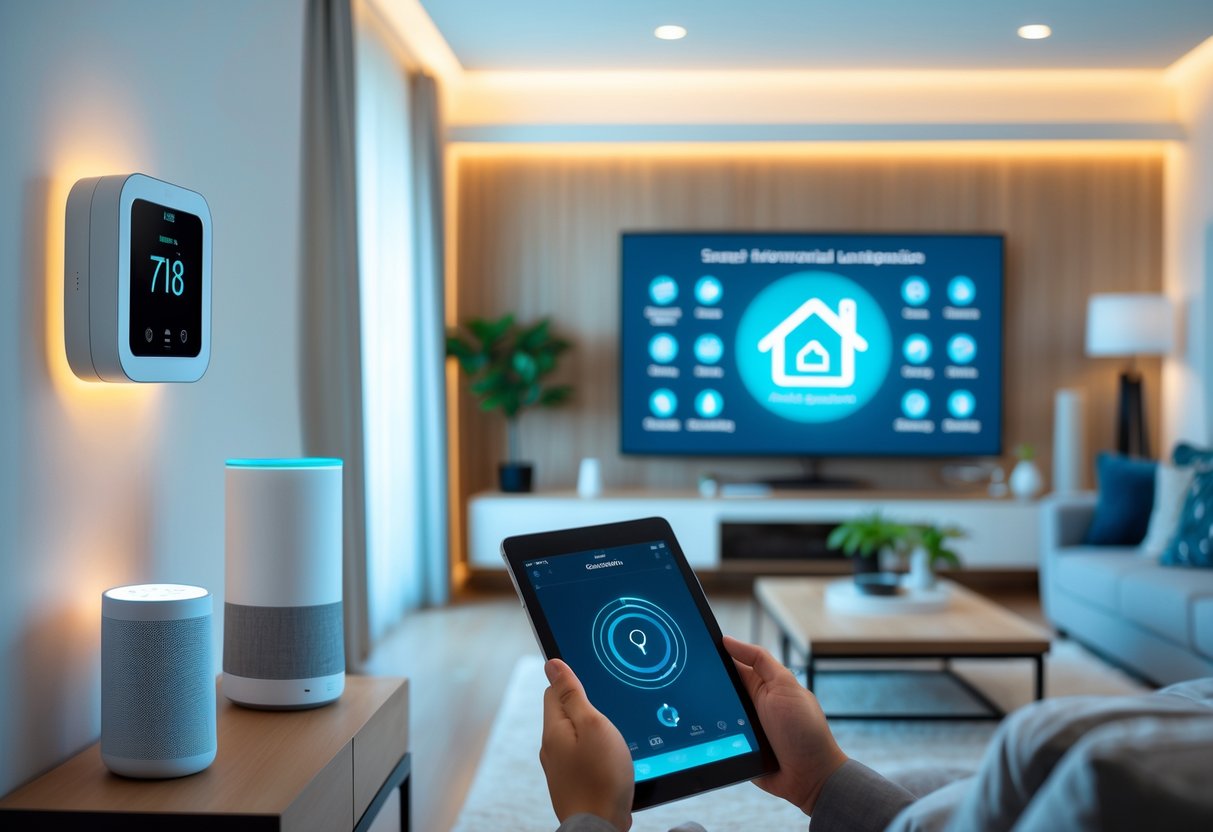
Smart home technology relies on three core components: sensors that detect changes in your environment, wireless protocols that allow devices to communicate, and central control systems that manage everything from one place.
Sensors and Devices
Smart home devices use sensors to monitor and respond to changes in your home. These sensors collect data about temperature, motion, light levels, door positions, and more.
Motion sensors detect movement in rooms to trigger lights or security alerts. Temperature sensors in smart thermostats track heating and cooling needs. Door and window sensors monitor whether entry points are open or closed. Light sensors adjust brightness based on natural daylight levels.
Each device processes the sensor data it collects. A thermostat reads temperature sensors and adjusts your heating or cooling system. A camera detects motion and starts recording. A smart lock recognizes when you approach and unlocks your door.
The devices connect to your home’s internet network. This connection lets them send sensor data to control systems and receive commands back.
Wireless Communication Protocols
Smart devices use specific wireless protocols to talk to each other and your control systems. Wi-Fi is the most common protocol because most homes already have it. Smart cameras, video doorbells, and many other devices use Wi-Fi to send large amounts of data.
Zigbee and Z-Wave are protocols designed specifically for smart homes. They use less power than Wi-Fi, which means devices with batteries last longer. These protocols create mesh networks where devices relay signals to each other, extending range throughout your home.
Bluetooth works well for devices you control from close range, like smart locks or speakers. Thread is a newer protocol that combines the benefits of mesh networking with low power use.
Each protocol has different strengths. I choose devices based on my home’s layout and what features matter most to me.
Central Control Systems
A central control system acts as the brain of your smart home. This system connects all your devices and lets you manage them from one interface.
Most people use a smartphone app as their main control point. The app connects to a hub or directly to individual devices. You can turn lights on and off, adjust temperature settings, view camera feeds, and check sensor status.
Smart speakers with voice assistants provide another control method. I can speak commands to control devices without touching my phone. These assistants also create automated routines based on triggers I set up.
The control system stores your preferences and automation rules. When I set a rule like “turn off all lights at midnight,” the system sends commands to each light at the specified time. Some systems use cloud servers to process commands, while others work locally in your home.
Core Functions of Smart Homes
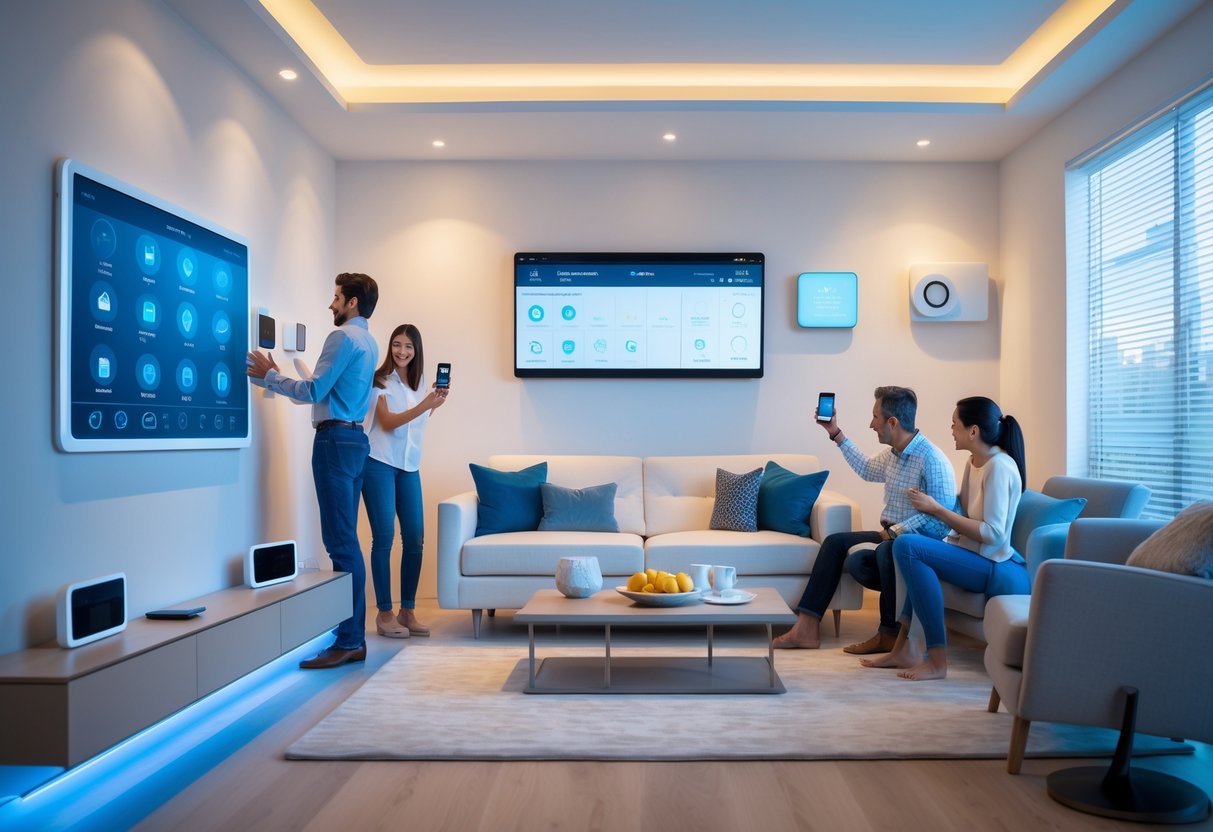
Smart homes perform three main functions that set them apart from traditional homes. These systems automate tasks based on your preferences, let you monitor your home from anywhere, and learn from your habits to improve performance over time.
Automation and Scheduling
Automation handles repetitive tasks without requiring my constant input. I can program my lights to turn on at sunset or set my thermostat to adjust temperatures based on the time of day. These schedules run automatically once I set them up.
Smart home devices use triggers to start actions. A motion sensor can turn on hallway lights when I walk by. My coffee maker can start brewing when my alarm goes off in the morning.
Common automation examples include:
- Adjusting thermostats based on whether I’m home or away
- Locking doors at a specific time each night
- Opening blinds at sunrise
- Running the washing machine during off-peak electricity hours
The system executes these tasks the same way each time unless I change the settings. This removes the need for me to remember daily routines.
Remote Monitoring
I can check on my home from anywhere using my smartphone or computer. The devices connect to the internet and send me real-time information about what’s happening.
Security cameras let me view live video feeds of my property. Smart door locks show me whether my doors are locked or unlocked. Temperature sensors tell me the current temperature in each room.
I can also control devices remotely. If I forget to turn off the lights, I can switch them off from my phone. When I’m on vacation, I can adjust my thermostat to save energy.
Data Collection and Analysis
Smart home devices track how I use them and collect information about my habits. My thermostat records when I adjust temperatures. My smart lights note when I turn them on and off.
The system analyzes this data to find patterns. It learns that I prefer warmer temperatures in the morning or that I always turn on the kitchen lights at 6 PM.
Using these patterns, my smart home suggests ways to improve efficiency. It might recommend a new heating schedule that saves energy or adjust lighting automatically based on my routine. This learning process makes the system more helpful over time without requiring me to program every detail.
Smart Home Devices and Applications
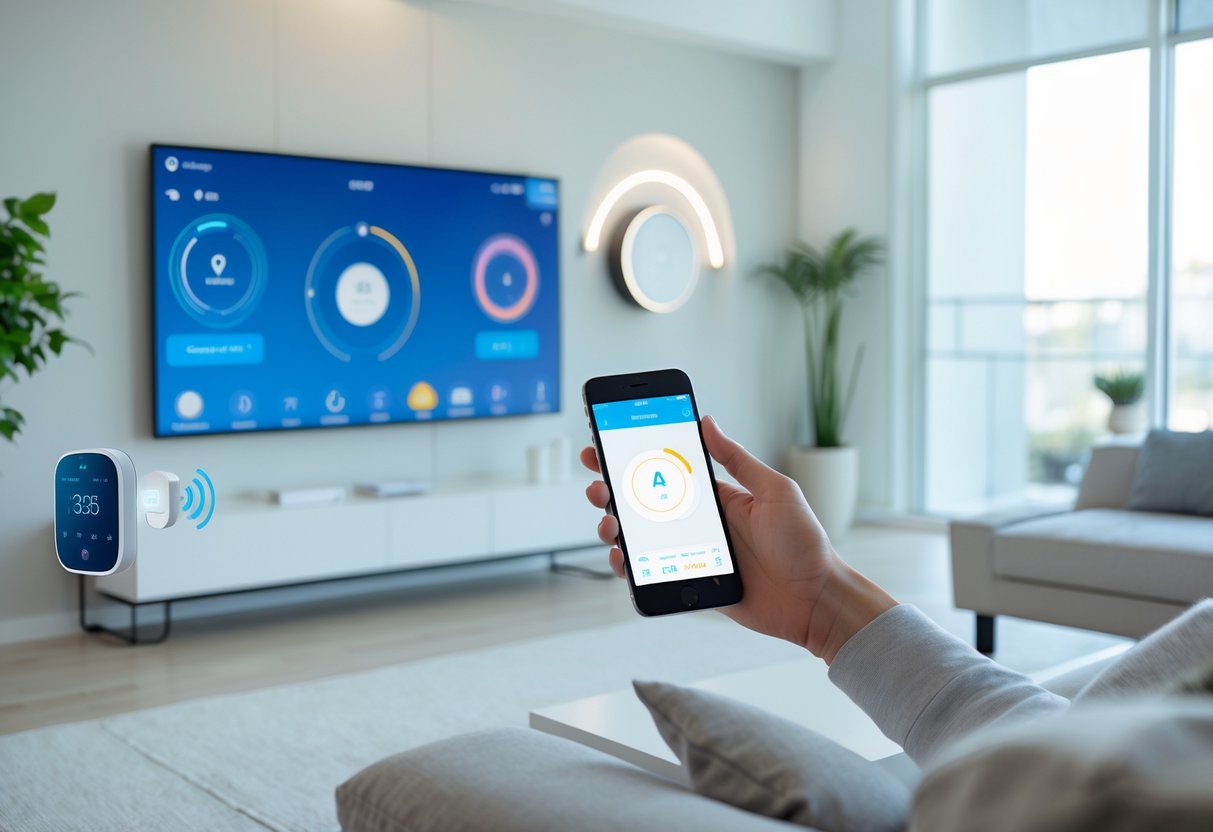
Smart home devices connect to your home network and let you control lights, temperature, and security from your phone or voice commands. These systems work together to make daily tasks easier while helping you save energy and protect your home.
Smart Lighting
Smart lights connect to your Wi-Fi network and give you control over brightness, color, and timing from anywhere. I can turn lights on or off using a smartphone app, voice assistant, or automated schedule. These bulbs work with most standard light fixtures and don’t require special wiring.
Smart lighting systems let you set different scenes for activities like reading, watching movies, or cooking. Many systems include dimming features that adjust brightness throughout the day. Some smart bulbs change colors to match your mood or create specific atmospheres in different rooms.
Motion sensors can trigger lights automatically when you enter a room. This feature helps save energy by making sure lights turn off when spaces are empty. I can also control my lights remotely when I’m away from home, which adds security by making it look like someone is there.
Climate Control
Smart thermostats learn your daily routines and adjust heating and cooling to match your schedule. These devices connect to your home’s HVAC system and use sensors to monitor temperature in different rooms. I can change settings from my phone even when I’m not home.
The main benefit is lower energy bills because the system avoids heating or cooling an empty house. Smart thermostats show me detailed reports about energy use and suggest ways to save more money. Many models work with temperature sensors placed in different rooms to balance comfort throughout the house.
Voice control lets me adjust temperature without getting up or touching a screen. The system also tracks weather forecasts and adjusts settings based on outside conditions. Some models detect when I leave home and switch to an energy-saving mode automatically.
Home Security
Smart security systems include connected cameras, doorbells, locks, and sensors that I can monitor from my phone. Video doorbells show me who’s at the door and let me talk to visitors even when I’m away. Indoor and outdoor cameras record footage and send alerts when they detect motion or unusual activity.
Smart locks let me unlock doors remotely for family members or delivery services without giving out physical keys. I can set up temporary access codes that expire after a certain time. Door and window sensors alert me if someone opens an entry point when the system is armed.
Security cameras with night vision record clear video in low light conditions. Many systems store footage in the cloud so I can review recordings from several days or weeks. Integration with other smart devices means my lights can turn on automatically if a camera detects motion at night.
Integration and Interoperability
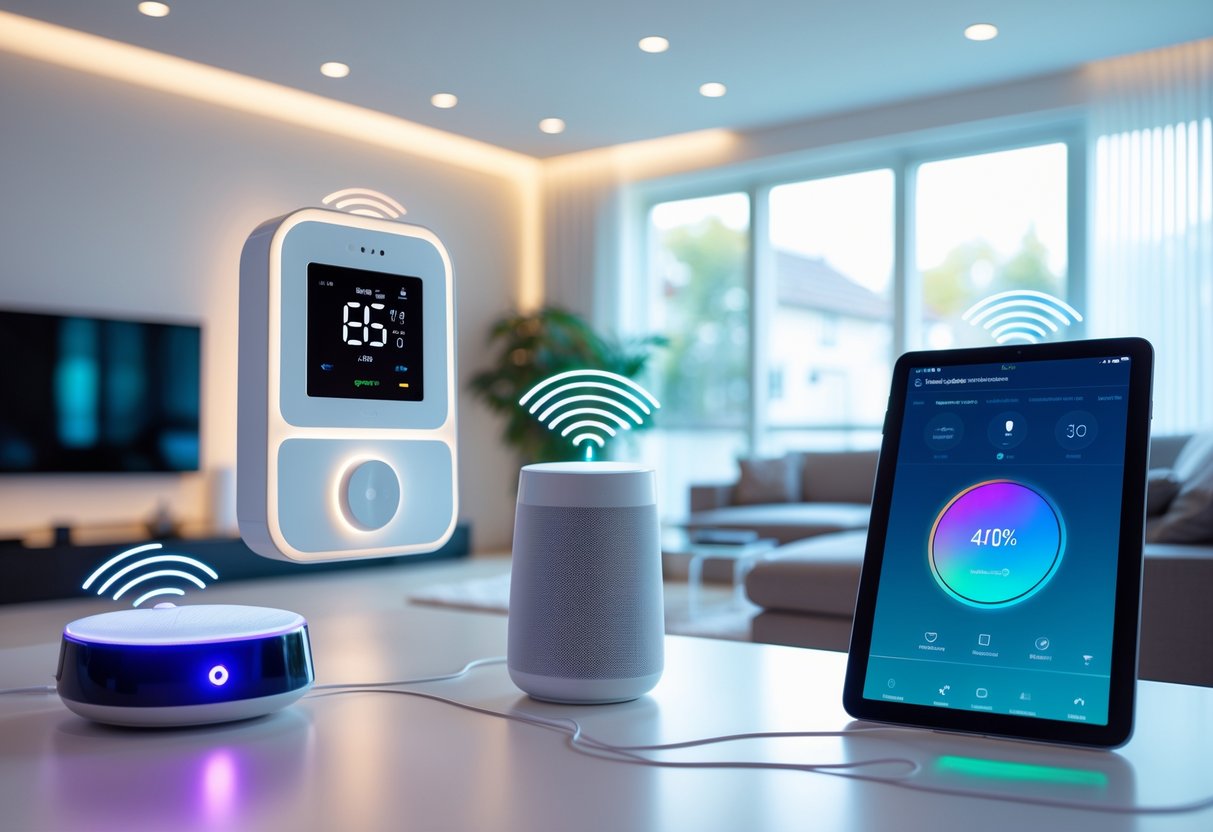
Smart home devices from different manufacturers often struggle to communicate with each other, creating friction in daily use. The solution involves using hubs and standards that allow devices to work together seamlessly.
Compatibility Challenges
Different smart home brands use different communication protocols. Some devices operate on Zigbee, others on Z-Wave, Wi-Fi, Bluetooth, or Thread. This creates a problem when I want devices from various manufacturers to work together in my home.
A smart light from one company might not connect directly to a thermostat from another company. Without common standards, I need separate apps for each brand, making control complicated and frustrating.
Matter is a new connectivity standard that major tech companies developed together. It allows devices from different brands to communicate using one protocol. This means I can buy a smart lock from one manufacturer and a doorbell from another, and they’ll work together without compatibility issues.
However, not all devices support Matter yet. Older devices may never receive updates to work with this standard. I need to check which protocols each device supports before buying to avoid compatibility problems.
Role of Smart Hubs
A smart hub acts as a translator between different devices and protocols. It connects to my home network and communicates with all my smart devices, even if they use different languages.
Popular hubs include Samsung SmartThings, Amazon Echo Plus, and Hubitat Elevation. These devices support multiple protocols simultaneously. One hub can control Zigbee lights, Z-Wave sensors, and Wi-Fi cameras all at once.
The hub runs automations locally on the device itself. This means my smart home routines work even if my internet connection goes down. I can set up rules like “turn off all lights when I leave home” and the hub executes these commands.
Some hubs require monthly subscriptions for advanced features. Others work entirely offline after initial setup.
Voice Assistant Integration
Voice assistants connect to smart home devices through their respective platforms. Amazon Alexa, Google Assistant, and Apple Siri each maintain their own ecosystems of compatible devices.
I can control lights, thermostats, locks, and other devices using voice commands. Saying “turn off the living room lights” sends a command through the voice assistant to the appropriate device. Most modern smart home products support at least one major voice assistant.
Cross-platform compatibility varies by device. Some products work with all three major assistants, while others only support one or two. I need to verify which assistants a device supports before purchasing if I want voice control.
Voice assistants also enable routines that control multiple devices with one command. I can create a “good morning” routine that adjusts the thermostat, opens the blinds, and starts the coffee maker simultaneously.
Connectivity and Networking in Smart Homes
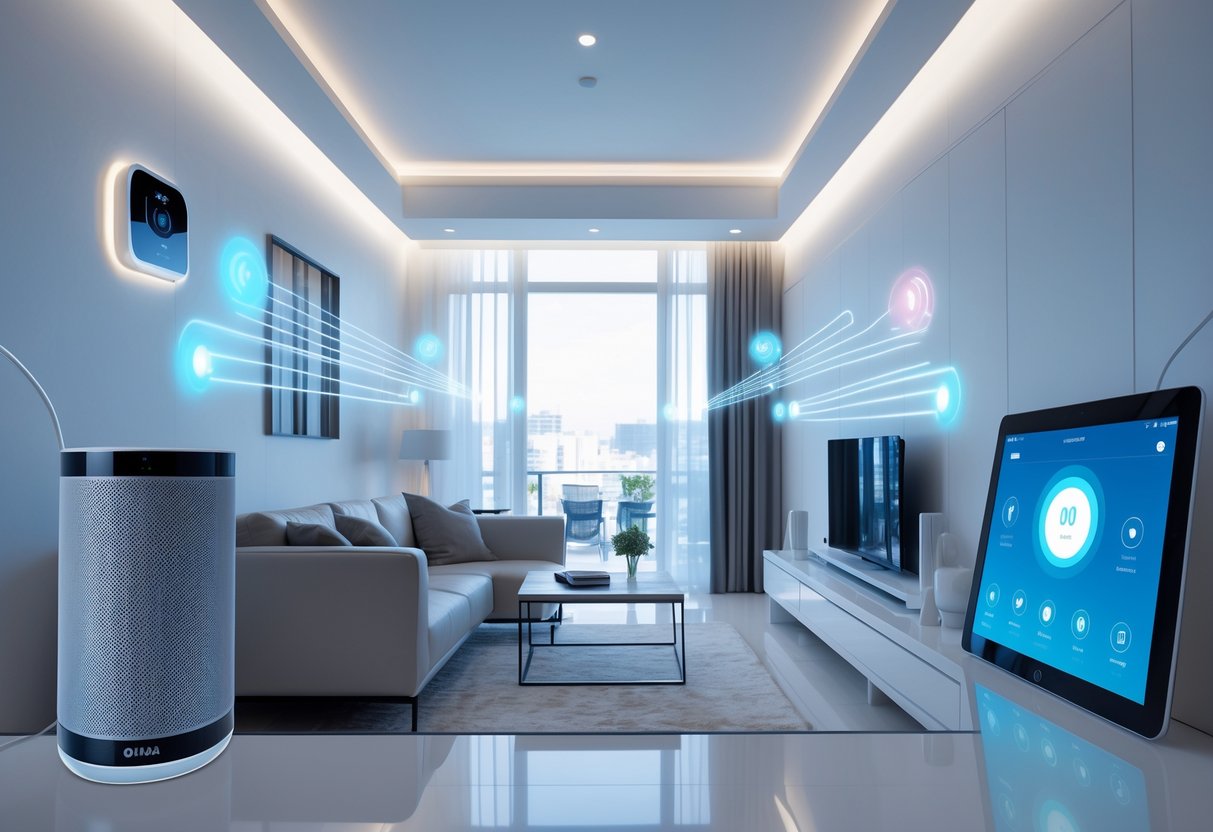
Smart home devices rely on different network technologies to communicate with each other and respond to your commands. The main options include Wi-Fi, Zigbee, Bluetooth, and wired connections, each with distinct advantages for different situations.
Wi-Fi and Zigbee Networks
Wi-Fi is the most common network protocol in smart homes. It connects devices directly to your internet router, allowing control from anywhere through smartphone apps. Most smart speakers, cameras, and thermostats use Wi-Fi because it offers high bandwidth and long range throughout your home.
Zigbee works differently as a mesh network. Devices relay signals between one another to extend coverage and strengthen connectivity. This protocol uses less power than Wi-Fi, making it ideal for battery-operated sensors and light bulbs.
Zigbee operates on the 2.4GHz frequency but requires a hub to connect to your home network. Z-Wave is similar but uses the 800-900 MHz spectrum, which reduces interference from Wi-Fi signals. I find mesh networks particularly useful for larger homes where a single router might struggle to reach every corner.
Bluetooth Connectivity
Bluetooth connects devices over short distances without needing a hub or internet connection. It works well for devices you control while nearby, like smart locks or portable speakers.
The main limitation is range. Bluetooth typically reaches 30-50 feet, which restricts where you can place devices. Some newer Bluetooth devices support mesh networking, extending their range by hopping signals between devices.
Battery life is a key advantage. Bluetooth Low Energy (BLE) lets small devices run for months or years on a single battery.
Wired vs Wireless Systems
Wired systems use ethernet cables or powerline connections to link devices. They provide the most stable and secure connections because signals can’t be intercepted wirelessly. Professional installations often use wired systems for security cameras and whole-home audio.
Wireless systems offer easier installation since you don’t need to run cables through walls. You can move devices around and add new ones without rewiring. The tradeoff is potential interference and the need to manage multiple wireless protocols.
Most homes use a hybrid approach. I recommend wired connections for stationary devices that need reliable bandwidth, like security systems or media servers, while using wireless protocols for sensors, switches, and portable devices.
Safety and Security Features
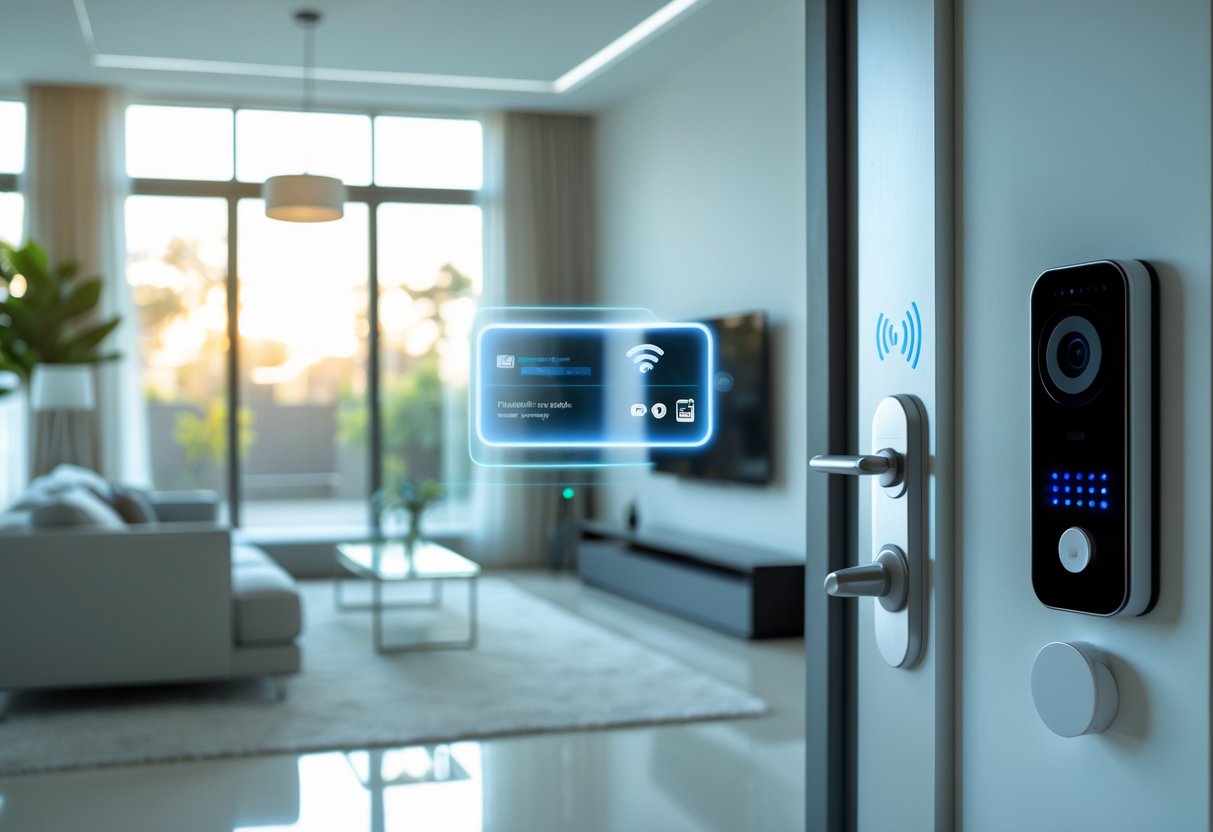
Smart homes offer built-in protections like cameras and automated locks, but they also create new risks through internet-connected devices that can expose your personal information and home network to unwanted access.
Data Privacy Concerns
Smart home devices collect large amounts of personal data to function properly. Your voice assistants record conversations, security cameras capture video footage, and smart thermostats track your daily routines. This information often gets stored on company servers where it can be accessed by manufacturers, shared with third parties, or potentially exposed in data breaches.
I recommend reviewing privacy settings on each device you own. Many smart home products allow you to limit data collection, delete stored information, and control who can access your data. You should read the privacy policy before purchasing any smart device to understand what information gets collected and how companies use it.
Some devices let you store data locally instead of in the cloud. This keeps your information on your own network rather than on external servers. Turn off features you don’t actively use, as they often collect unnecessary data in the background.
Vulnerability to Cyber Threats
Hackers can target smart home networks to access your devices and personal information. Once they break into your network, they may disable alarm systems, unlock smart doors, or access camera feeds. Weak passwords and outdated software create easy entry points for cybercriminals.
I suggest changing default passwords immediately on all devices. Use strong, unique passwords for each device and your home network. Enable two-factor authentication whenever it’s available for an extra layer of protection.
Keep your devices updated with the latest security patches. Manufacturers release updates to fix known vulnerabilities, so enabling automatic updates helps protect your system. Create a separate Wi-Fi network for your smart devices to isolate them from computers and phones that contain sensitive information.
Safe Device Management
I organize my smart home devices through a central security approach. Start by inventorying all connected devices in your home, including items like smart light bulbs and appliances that you might forget about.
Disable features you don’t need on each device. Many come with remote access enabled by default, which creates unnecessary risk if you only use them while at home. Check your network regularly for unfamiliar devices that might indicate unauthorized access.
Purchase devices from reputable manufacturers that provide regular security updates and clear privacy policies. Cheaper alternatives often lack proper security features and may never receive important updates. Replace devices that no longer receive manufacturer support, as they become increasingly vulnerable over time.
Energy Efficiency and Sustainability
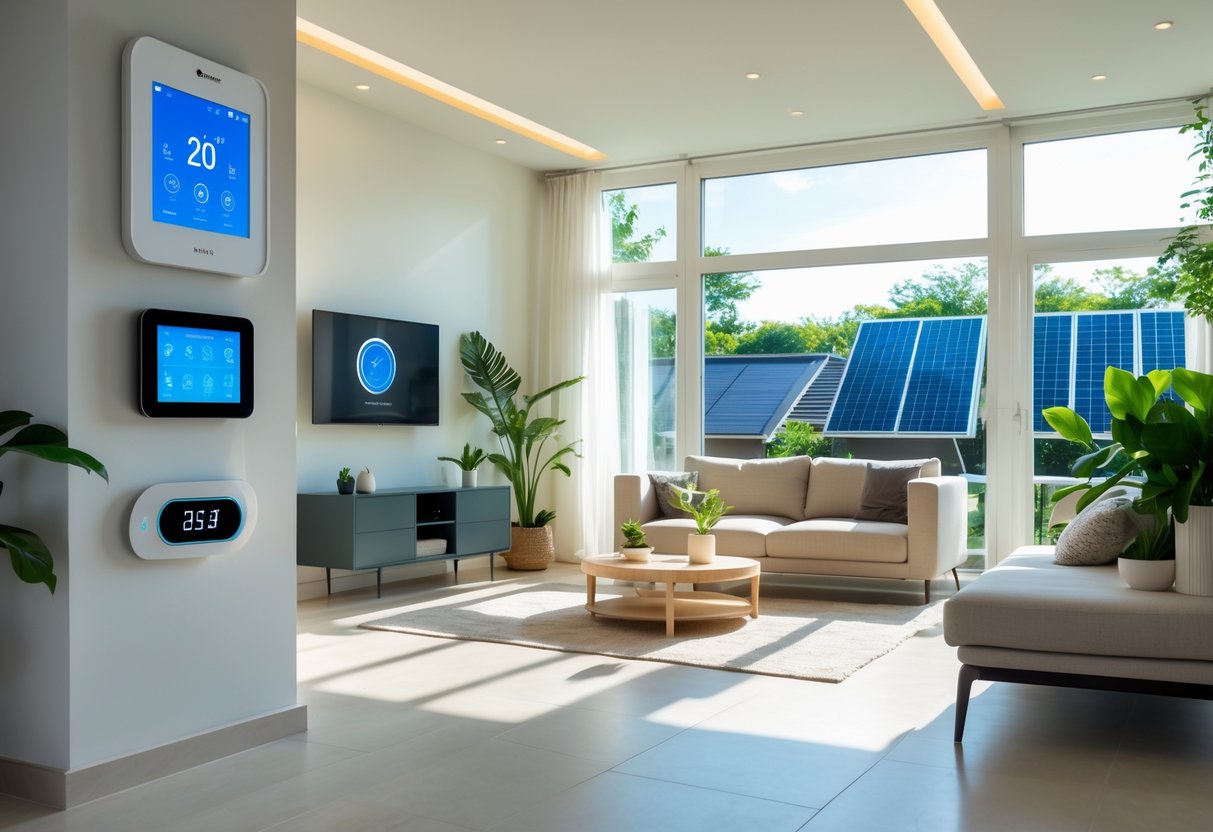
Smart homes reduce energy waste through real-time monitoring and automated controls that adjust power usage based on actual needs. These systems integrate with renewable energy sources and optimize when devices run to lower both costs and environmental impact.
Energy Monitoring
Smart home energy monitors track electricity usage in real time across individual devices and circuits. I can see exactly how much power my refrigerator, air conditioner, or washing machine consumes at any moment through a smartphone app or dashboard.
These systems break down consumption by device, room, or time of day. The data reveals patterns like phantom power drain from devices in standby mode or peak usage times when electricity costs more.
Most monitors connect to my home’s electrical panel or plug directly into outlets. They measure voltage, current, and power factor to calculate precise energy use. Some systems work with smart meters installed by utility companies.
The information helps me make informed decisions about when to run appliances or which devices waste the most energy. Studies show that residential lighting accounts for about 6% of home energy consumption in the U.S., and monitoring systems identify these opportunities for savings.
Eco-Friendly Automation
Smart thermostats adjust heating and cooling based on occupancy, weather forecasts, and learned preferences. My system lowers the temperature when I leave for work and starts warming the house 30 minutes before I return home.
Automated lighting systems use motion sensors and timers to turn off lights in empty rooms. I can also schedule lights to match natural daylight patterns, reducing unnecessary usage during bright afternoons.
Smart appliances shift operation to off-peak hours when electricity is cheaper and cleaner. My dishwasher and washing machine can run overnight when the grid relies more on renewable energy sources.
Integration with solar panels and battery storage maximizes renewable energy use. The system prioritizes stored solar power for daily needs and only draws from the grid when necessary.
Smart Home Installation and Setup
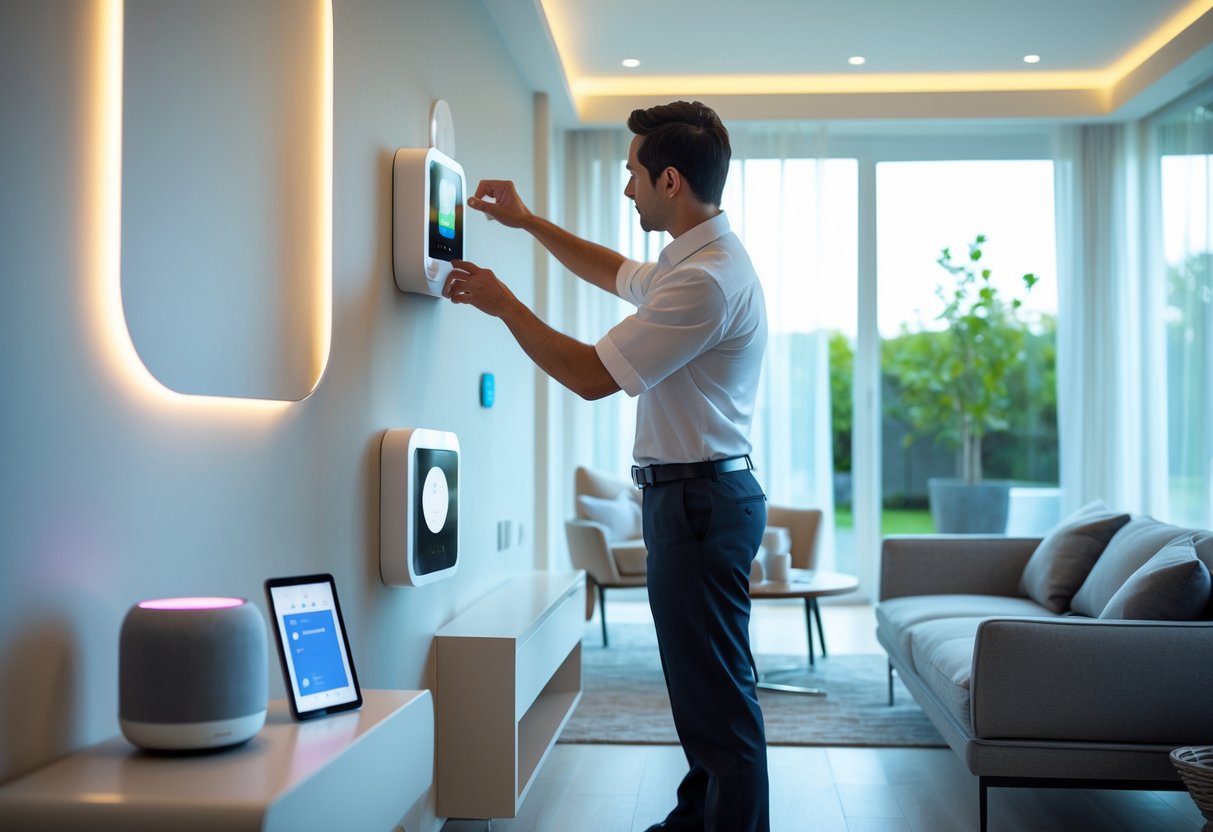
Getting your smart home up and running involves choosing between doing it yourself or hiring help, budgeting for the right equipment, and following the proper setup steps to connect everything.
DIY vs Professional Installation
I recommend DIY installation for most beginners because modern smart devices are designed to be user-friendly. Smart bulbs, plugs, and speakers typically connect through apps in minutes without any special tools or technical knowledge.
Professional installation makes sense for hardwired devices like smart thermostats, doorbell cameras, or whole-home systems. These require working with electrical wiring or security systems that might need permits or expertise.
DIY is best for:
- Smart plugs and outlets
- Light bulbs and portable lamps
- Security cameras (wireless)
- Voice assistants
Professional help works better for:
- Wired thermostats
- Hardwired light switches
- Doorbell cameras with existing wiring
- Integrated security systems
Costs and Equipment
A basic smart home setup costs between $500 and $1,000 for essential devices. This includes a smart hub, thermostat, a few switches or bulbs, and a video doorbell.
More comprehensive systems run from $3,000 to $10,000 depending on home size and how many devices you want. Professional installation adds $100 to $300 per device for complex equipment.
| Budget Level | Cost Range | What You Get |
|---|---|---|
| Starter | $500-$1,000 | Hub, thermostat, 3-5 devices |
| Moderate | $1,500-$3,000 | Multiple rooms, security basics |
| Advanced | $3,000-$10,000+ | Whole-home coverage, pro install |
Setup Process
I start by choosing a central hub or voice assistant like Amazon Alexa, Google Home, or Apple HomeKit. This becomes the control center for all my devices.
Next, I download the manufacturer’s app for each device and create an account. Most smart devices connect through WiFi, so I keep my network name and password handy during setup.
The standard installation follows these steps:
- Plug in or install the physical device
- Open the companion app on my phone
- Add the device through the app’s setup wizard
- Connect it to my WiFi network
- Link it to my main hub or voice assistant
- Name the device and assign it to a room
I test each device individually before adding the next one. This helps me troubleshoot problems without confusion. Once everything works separately, I create routines and automations through my hub’s app.
Challenges and Future Trends
Smart home technology faces real obstacles that slow its growth, while new innovations and standards are reshaping how these systems will work in coming years.
Adoption Barriers
The cost of smart home devices remains a major hurdle for many households. A basic smart home setup with lighting, security, and climate control can cost $500 to $2,000, which puts it out of reach for average buyers.
Privacy concerns also hold people back. Smart devices collect data about daily routines, voice commands, and even video footage. Many users worry about who can access this information and how companies use it.
Technical complexity creates another barrier. Setting up multiple devices from different brands often requires separate apps and accounts. This fragmented experience frustrates users who expect simple plug-and-play solutions.
Older adults and people with limited tech experience struggle with voice commands and app interfaces. The learning curve discourages adoption among demographics that could benefit most from automated assistance.
Emerging Technologies
AI-driven systems are moving beyond simple voice commands to predictive automation. These systems learn household patterns and adjust settings automatically without manual input. For example, they can pre-heat homes before residents arrive based on historical data.
Health monitoring features are expanding in smart homes. Sensors now track air quality, detect falls, and monitor sleep patterns. This technology helps aging individuals live independently while alerting caregivers to potential problems.
Energy management systems are becoming more sophisticated. They optimize power usage by coordinating devices, storing solar energy, and participating in grid demand response programs. This reduces utility bills while supporting sustainability goals.
Voice recognition is improving to understand context and multiple users. Systems can now distinguish between household members and personalize responses based on individual preferences and access permissions.
Industry Standards
The Matter protocol launched to solve compatibility problems between smart home brands. This unified standard allows devices from different manufacturers to work together seamlessly through a single network.
Major tech companies including Apple, Google, and Amazon back Matter. Their support means new devices will increasingly communicate regardless of their ecosystem. This removes the need for multiple hubs and apps.
Interoperability testing ensures devices meet security and performance requirements. The standard includes encryption protocols that protect user data across all connected devices.
Wider adoption of Matter will simplify installation and expand device choices. Users won’t need to commit to a single brand ecosystem, making smart home technology more accessible and flexible.
Frequently Asked Questions
Smart homes raise important questions about components, communication protocols, automation capabilities, security risks, and future developments that I’ll address in detail.
What are the primary components of a smart home automation system?
A smart home automation system needs three main parts to function. These are the smart devices themselves, a central hub or controller, and a reliable internet connection.
Smart devices include things like thermostats, light bulbs, door locks, cameras, and speakers. Each device has sensors and chips that let it connect to your network. The central hub acts as the brain that coordinates all these devices, though some systems let devices connect directly to your phone without a hub.
I find that the quality of your internet connection matters a lot. A weak signal can cause delays or prevent devices from responding to commands. Your router needs to handle multiple devices at once without slowing down.
How do smart home devices communicate with each other?
Smart devices use wireless protocols to send and receive information. The most common protocols are Wi-Fi, Zigbee, Z-Wave, and Bluetooth.
Wi-Fi connects devices directly to your home network. This works well for devices that need lots of data, like cameras and video doorbells. Zigbee and Z-Wave use less power and create a mesh network where devices relay signals to each other, which extends the range throughout your home.
Bluetooth works best for short distances and simple tasks. Some newer devices use Thread, a protocol designed specifically for smart homes. The protocol you need depends on which devices and systems you choose.
What are the benefits and drawbacks of integrating smart technology into your home?
The main benefits include convenience, energy savings, and better security. I can control my lights, temperature, and locks from my phone, even when I’m away from home. Smart thermostats learn my schedule and adjust temperatures automatically, which cuts down on energy bills.
Security cameras and smart locks let me monitor my home in real time. Motion sensors can trigger lights or send alerts if something unusual happens.
The drawbacks involve cost, complexity, and compatibility issues. Outfitting a whole home with smart devices requires a significant upfront investment. Not all devices work together, especially when mixing brands or platforms.
Some devices work with Google Home but not Apple HomeKit. This creates problems when I try to build a fully integrated system. I also need to maintain and update these devices regularly to keep them working properly.
Can smart homes be fully automated, and how does this affect daily living?
Smart homes can reach high levels of automation through routines and schedules. I can set up automated actions based on time, location, or triggers from other devices.
A morning routine might automatically turn on lights, adjust the thermostat, and start the coffee maker at a specific time. When I leave home, the system can lock doors, turn off lights, and set the alarm. Motion sensors can trigger lights in hallways at night.
Full automation changes daily routines by removing repetitive tasks. I don’t need to remember to adjust the thermostat or check if I locked the door. The system handles these actions without my input.
However, full automation isn’t always perfect. Systems can malfunction or misread situations, which means I still need manual override options. Weather changes, schedule variations, and unexpected guests can require adjustments to automated routines.
What are the security implications of smart homes, and how can they be mitigated?
Smart homes create new security risks because devices connect to the internet. Hackers can potentially access cameras, unlock doors, or steal personal data if the system isn’t protected properly.
Weak passwords are the biggest vulnerability. I need to use strong, unique passwords for each device and account. Two-factor authentication adds another layer of protection by requiring a code in addition to a password.
Regular software updates fix security holes that manufacturers discover. I make sure to install updates as soon as they’re available. Keeping devices on a separate network from my main computers provides additional protection.
I also research devices before buying them to check the manufacturer’s security track record. Cheap devices from unknown brands often have poor security features. Disabling features I don’t use reduces the number of potential entry points for attacks.
How has smart home technology evolved over recent years, and what can we expect in the future?
Smart home technology has become more affordable and easier to use in recent years. Early systems required professional installation and technical knowledge. Now I can install most devices myself in minutes.
Prices have dropped significantly as more companies enter the market. Voice assistants like Alexa and Google Assistant have made controlling devices simpler. Devices have gotten better at working together through common standards and platforms.
Artificial intelligence is changing what smart homes can do. Systems now learn my habits and make predictions about what I need. AI can detect unusual patterns that might indicate problems or security threats.
Future developments will likely focus on better integration and proactive automation. Systems will anticipate needs before I ask and adapt to changes without manual programming. Energy management will become more sophisticated as devices work together to minimize power usage. Matter, a new universal standard, promises to solve compatibility problems between different brands and platforms.